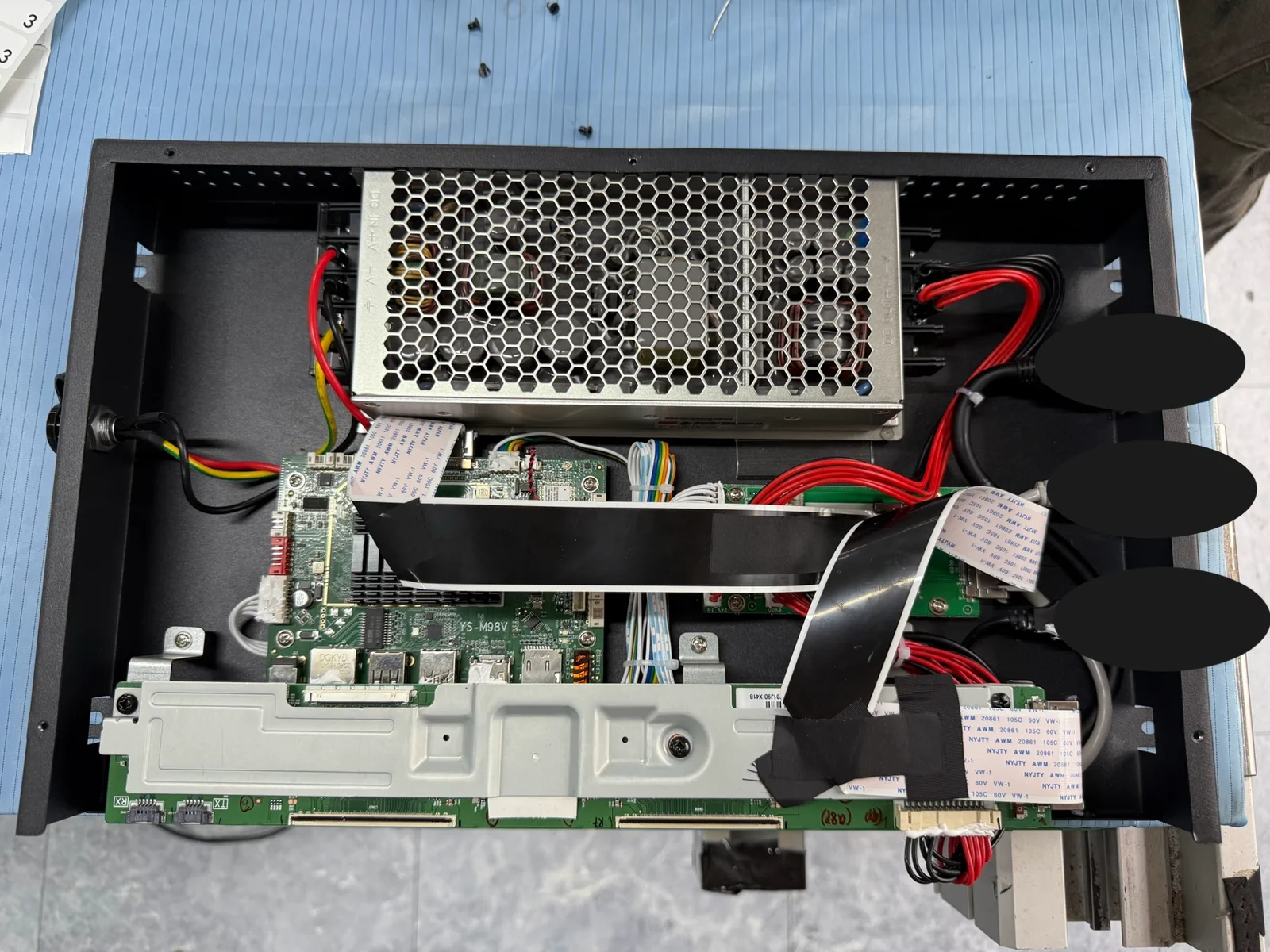
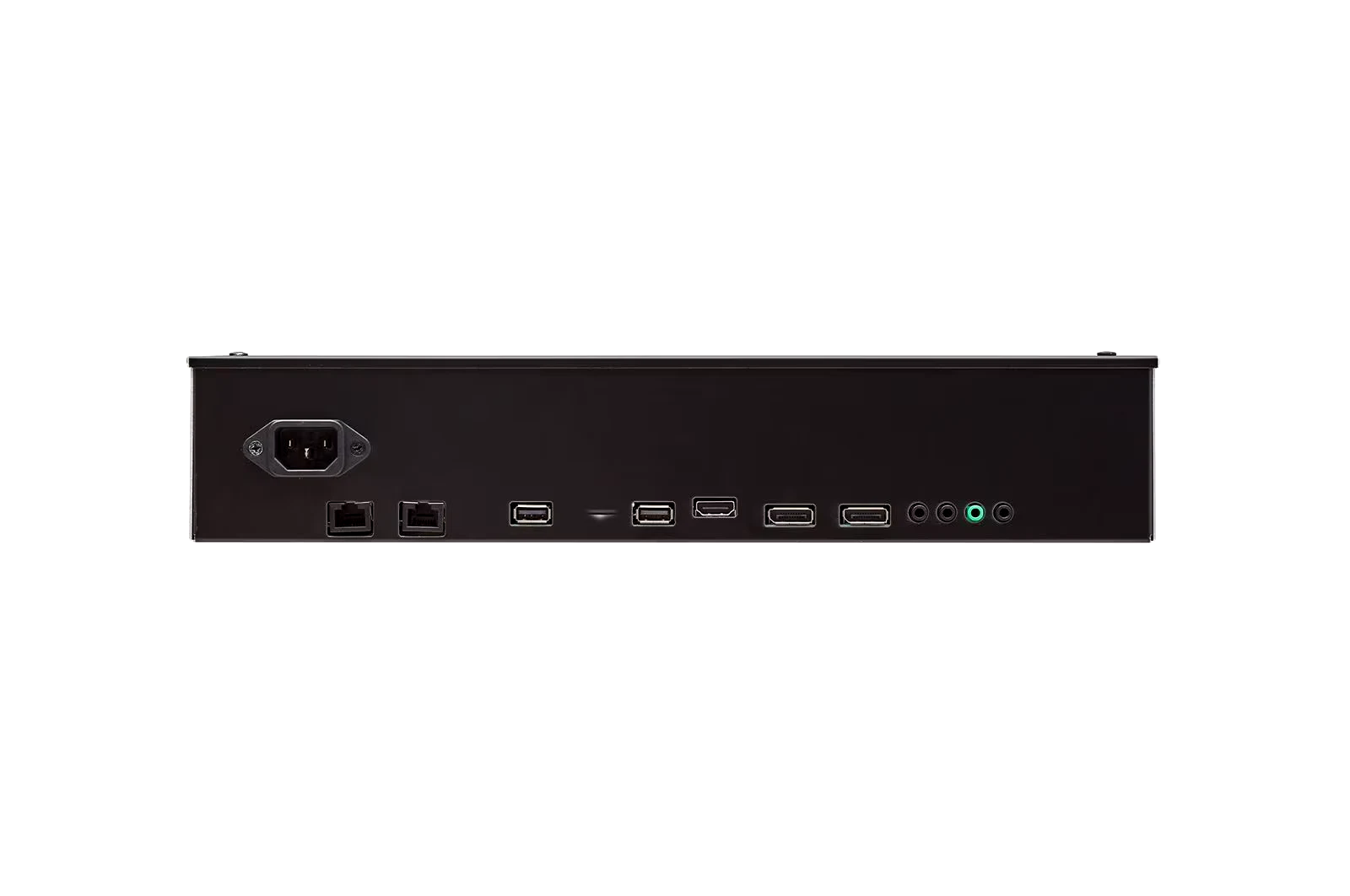
Platform selection

PlatformStrong fitOwnership to define
Dedicated signage playerScheduled media, browser content and managed fleetsProvider OS, provisioning, CMS and recovery
AndroidTouch applications, kiosks and mobile-derived app stacksAPK lifecycle, device policy, peripherals and updates
LinuxCustom appliances, edge services and controlled embedded imagesDistribution, drivers, application packaging and security maintenance
WindowsDesktop software, specialist peripherals and enterprise toolsLicensing, patching, lockdown, recovery and support period

A media player is often specified as a small box with an output resolution, an operating system and a list of supported codecs. That may be enough to play a test file. It is not enough to define how a display system will operate after installation.

A useful specification starts with the application: what must be shown, on which pixel canvas, across how many outputs, under whose control and for how long. It then defines content delivery, networking, monitoring, updates, recovery, security and lifecycle ownership.

The decisive question is not simply, “Can this player output 4K?” It is:

What should the display do when the network disappears at 2 AM?

Define the full playback path

The player sits between the content operation and the physical display. Depending on the application, it may decode scheduled video, render HTML, run an interactive application, receive live data, synchronize several outputs or control connected equipment.

This makes playback part of a larger system:

Content → Format → Canvas → Application → Player → Signal / Processing → Display → Operations → Recovery → Lifecycle

Each arrow is an interface. If one is undefined, the player can pass a short demonstration and still fail in service.

“Supports 4K” illustrates the problem. A player may decode a 3840 × 2160 video file without being able to render a browser or interactive application at the same resolution. An ultrawide LED wall may use a native pixel canvas that no standard 16:9 output matches. A multi-display experience may add timing, synchronization or latency requirements that a single-output player never encounters.

Before selecting hardware, define:

  • content formats, codecs, frame rates and bitrates;
  • native content canvas and installed display pixel matrix;
  • video, HTML, application and live-data workloads;
  • output count, resolution, orientation, scaling and timing;
  • audio, touch, sensor and peripheral interfaces;
  • synchronization and latency requirements;
  • local storage, cache and content-validity rules.

These inputs establish the playback and signal architecture. They also give the content team a real production target.

Specify degraded and recovery states

Most demonstrations happen under ideal conditions: the network is available, the correct file is present and someone is standing beside the player. Installed systems spend years outside that demonstration.

A useful specification defines normal, degraded and recovery behavior before the platform is approved.

EventRequired project decisionAcceptance evidence
Power returns after an interruptionDefine automatic boot, application launch and the state that should resumeRepeated cold-start and power-cycle test
CMS or content service is unavailableContinue the last valid schedule, use approved fallback content or enter a defined service stateService-isolation test with a stated duration
Network time is unavailable or wrongDefine schedule behavior, permitted clock drift and recovery after time synchronization returnsNTP-loss and time-correction test
Application stops respondingDefine detection, restart, reboot and fault-reporting behaviorForced application-failure test
Content update is interrupted or invalidDefine validation, rollback and the last playable packageInterrupted-update and invalid-package test
Display link or input state is lostDefine what the player can detect, what it retries and which condition it reportsDisplay power-sequence and cable-reconnect test
Scheduled content expiresDefine a valid default loop, holding state or service messageSchedule-expiry test
Local storage or software image cannot startDefine remote and on-site recovery routesReprovisioning or recovery-media test

Offline continuation is not automatically the correct answer. Cached brand content may remain valid for days; prices, schedules, operational instructions or safety-related information may not. The project must define expiry and fallback policy according to the content consequence.

The table is a qualification tool, not a claim that every player provides every function. Each behavior must be assigned to the player, application, CMS, display controller or operating procedure and verified on the released configuration.

Monitoring must distinguish four different states

Remote management is part of the system specification when routine local access is slow, costly or impossible. But one green status indicator does not prove that the entire installation is working.

Operations may need to distinguish:

  1. Player health: Is the device online, provisioned and running the approved software?
  2. Rendered output: Is the application producing the expected frame or logging the intended media item?
  3. Signal and display state: Is the output link active, and is the display powered and on the correct input where the interfaces expose that information?
  4. Physical visible output: Is the display actually emitting the intended image in the installed environment?

A player screenshot can verify rendered output. It does not prove that the physical display is powered or visible. Proof-of-play can record that the application executed an item; it does not by itself prove optical output or audience exposure. Physical verification may require display telemetry, an external sensor, a camera or site inspection.

The monitoring scope should therefore identify the required evidence and response action, which may include:

  • reachability, last check-in and uptime;
  • hardware, OS, application and CMS-agent versions;
  • storage and content-download status;
  • current schedule and proof-of-play records;
  • rendered screenshots;
  • output-link and display status where supported;
  • logs, crash reports and network diagnostics;
  • controlled restart, reprovisioning and recovery actions;
  • alerts, recipients and escalation paths.

BrightSign provides one documented example of the distinction. Its official player-management documentation covers health monitoring, screenshots, troubleshooting and OS updates. Its provisioning and recovery documentation separately describes setup, periodic check-in and recovery from specific player error states. Those are platform-specific capabilities, but they show why publishing content and operating a player fleet are different functions.

Network and security fit belong in the display review

A player can render the correct image and still be wrong for the customer’s network.

The system may need certificate-based access, enterprise Wi-Fi, a dedicated VLAN, proxy configuration, restricted inbound services, approved outbound destinations or integration with enterprise device management. Credentials, remote access, logs and update packages all need an agreed security model.

The operating-system label does not establish that model. Android can be configured as a company-owned dedicated device with kiosk policies, controlled application installation and managed update windows. That is materially different from installing an APK on an unmanaged consumer box. Google documents these controls through Android Enterprise dedicated-device policies.

Windows can likewise be configured as a fixed-purpose device using Assigned Access or Shell Launcher. Microsoft documents lockdown, write filtering and recovery mechanisms for Windows IoT Enterprise. The relevant question is not whether the label says Android or Windows. It is whether the released hardware, image, policies, update process and recovery route meet the project requirements and have an assigned owner.

The specification should define:

  • network interfaces, addressing, DNS, NTP, proxy and firewall rules;
  • authentication and certificate provisioning;
  • required cloud or on-premises endpoints;
  • open ports and remote-access policy;
  • credential storage and rotation ownership;
  • OS, application and dependency updates;
  • maintenance windows, approval, staging and rollback;
  • log access and retention;
  • decommissioning and secure reset.

Select the platform from the application

There is no universal hierarchy in which one player category is always professional and another is always unsuitable. The workload, operating consequence of failure and maintenance model determine the fit.

Application patternPlausible platform routeQualification question
Single promotional screen with a local loopEntry-level signage player or managed Android deviceWho updates it, and what happens after power loss?
Distributed retail networkManaged signage player and CMSCan the fleet be provisioned, monitored, updated and recovered without routine site visits?
Interactive museum or visitor experienceManaged Android, Windows, Linux or dedicated playerWhich runtime, sensors, peripherals and recovery method are required?
Corporate or enterprise signagePlatform compatible with the customer’s IT policyCan it meet authentication, patching, certificate and remote-access requirements?
Transport or other infrastructureControlled embedded or industrialized platformWhich power, environmental, cybersecurity, availability and lifecycle requirements apply?
Synchronized or non-standard LED surfacePlayer or render node coordinated with LED processingWhich canvas, frame rate, output topology, synchronization and camera requirements apply?

An inexpensive platform may be appropriate for a simple, accessible installation. A managed player may reduce operational effort across a remote fleet. A PC may be necessary for specialist software, while a controlled Linux image may suit a custom embedded appliance. The decision should expose lifecycle cost and support responsibility instead of relying on purchase price or OS preference.

Release a system specification, not a product code

The approved media-player scope should contain enough information to reproduce, operate and recover the installation.

AreaReleased definition
ApplicationSignage, interactive, live data, show control or combined workload
ContentFormats, codecs, frame rates, bitrates, runtime requirements and source ownership
Canvas and outputPixel matrix, output count, resolution, orientation, scaling, timing and synchronization
HardwarePlayer model and revision, memory, storage, outputs, network and peripheral interfaces
SoftwareOS or firmware image, application, runtime, drivers, CMS agent and approved versions
StartupAuto-launch sequence, time synchronization, display-control sequence and time to output
Offline stateCache, last-valid schedule, fallback, expiry and degraded-state rules
MonitoringHealth data, logs, rendered screenshots, proof of play, alerts and display interfaces
RecoveryWatchdog, application restart, reboot, rollback, reprovisioning and local service route
UpdatesPackage source, authentication, maintenance window, approval, staging and rollback
Security and networkConnectivity, endpoints, ports, certificates, credentials and access boundary
OperationsCMS roles, alert recipient, response path and escalation owner
LifecycleSupport period, spare units, image archive, dependency maintenance and replacement path
AcceptanceTest cases, pass criteria, configuration record and handover documents

A single locally managed screen does not need the same operating model as a fleet of 500 devices. Both still need an explicit owner and a defined response when normal conditions are lost.

The commercial difference appears after installation

Two players may produce the same image during acceptance. Their difference becomes visible during a failed update, a network outage, a certificate change, corrupted storage or an urgent support call.

Hardware price is therefore only one part of the comparison. Provisioning time, management services, expected site visits, spare policy, update ownership, support term and replacement risk belong in the lifecycle review. The objective is not to make every installation complex. It is to remove unmanaged assumptions prior to rollout.

Bring playback into the display-system brief

VITREVIA defines playback together with content, display processing, network and service architecture. The review begins with the application and required operating behavior, then identifies a suitable platform route and the interfaces that must remain controlled through delivery.

For a playback architecture review, provide:

  • application and installation environment;
  • display type, quantity and native pixel canvas;
  • content formats and publishing workflow;
  • interactive, live-data, audio or peripheral requirements;
  • operating hours and acceptable degraded state;
  • network and IT requirements;
  • monitoring and reporting expectations;
  • rollout quantity, locations and support model;
  • project stage, target date and available specifications.

The output should be more than a player model. It should be a playback, control and recovery scope that can be tested, handed over and supported.

CTA: Request a Playback Architecture Review

FAQ

What is the difference between a media player and a CMS?

The media player runs the local playback application and produces the rendered output. The CMS commonly manages content upload, scheduling, users, approvals, device groups and reporting. The exact boundary varies, so the player, CMS agent, operating image and management service should be specified together.

Can an Android box be used for digital signage?

Yes, when its hardware revision, Android build, device policy, application lifecycle, update method, monitoring and recovery route meet the project requirements. “Android” alone does not indicate whether a device is managed or suitable for unattended operation.

Should a display continue playing when the internet is down?

Only when the locally available content remains valid. The project may continue the last approved schedule, switch to approved fallback content or show a defined service state. The chosen behavior needs an expiry policy and an acceptance test.

Which player is best for an LED wall?

The answer depends on the native pixel canvas, content workload, output topology, frame rate, synchronization, scaling, camera use and LED processor architecture. The player and processor should be reviewed as one signal chain.

Does a remote screenshot prove that the screen is working?

No. It proves that the player rendered a frame. Confirming the physical display may also require output-link data, display telemetry, an external sensor, a camera or site inspection.

Primary references

Technical scope note

The failure-mode table, specification matrix and platform-selection logic form part of VITREVIA’s project-development framework. They are not claims that every cited product or operating system implements every listed function. Capabilities must be confirmed on the selected hardware, software, CMS and released project configuration.

Project checklist

Related product and project pages